Watchtower docs
Your devices, spaces, and status in one place.
Build your team's device library, arrange your spaces, and understand which devices respond.
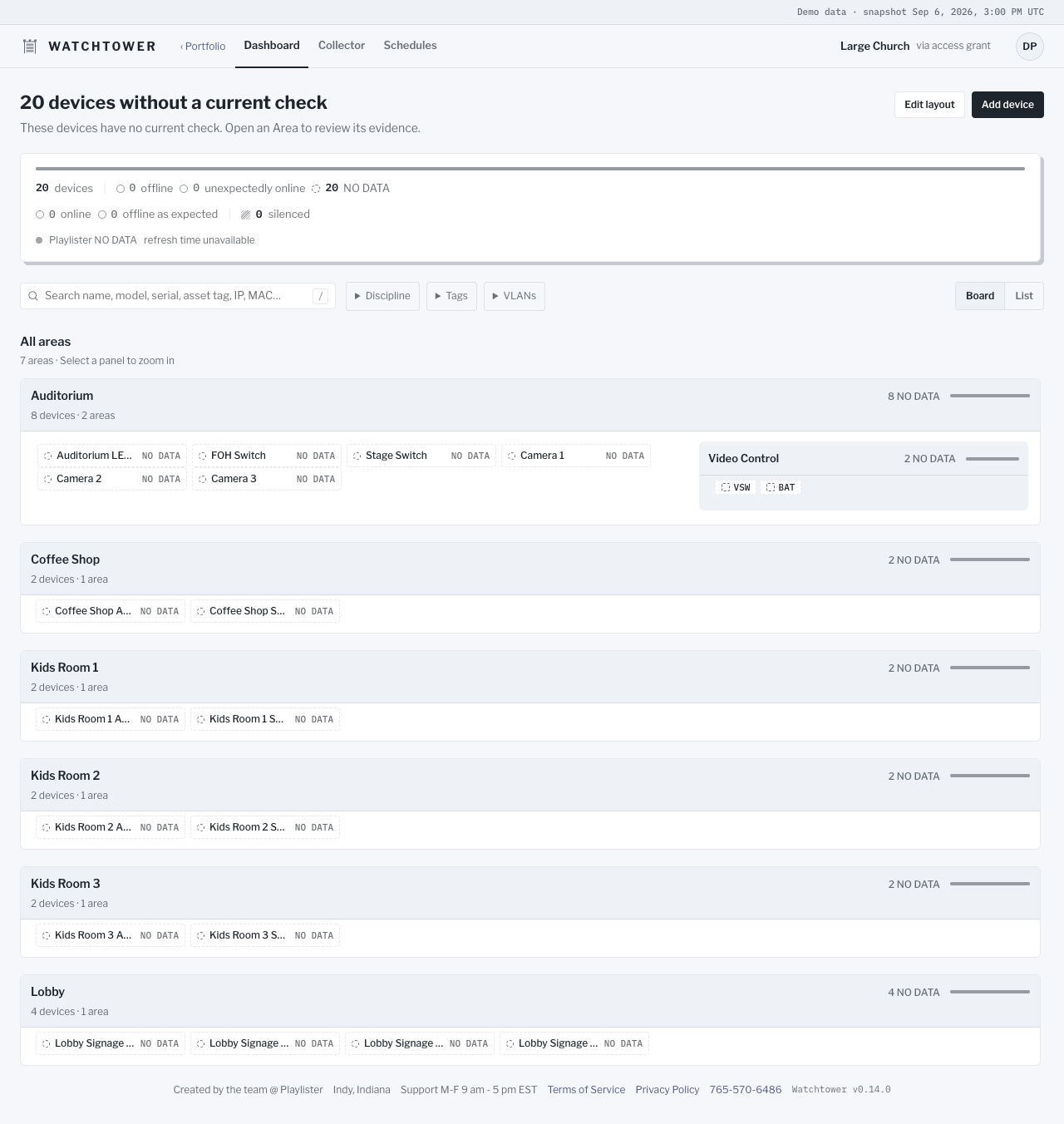
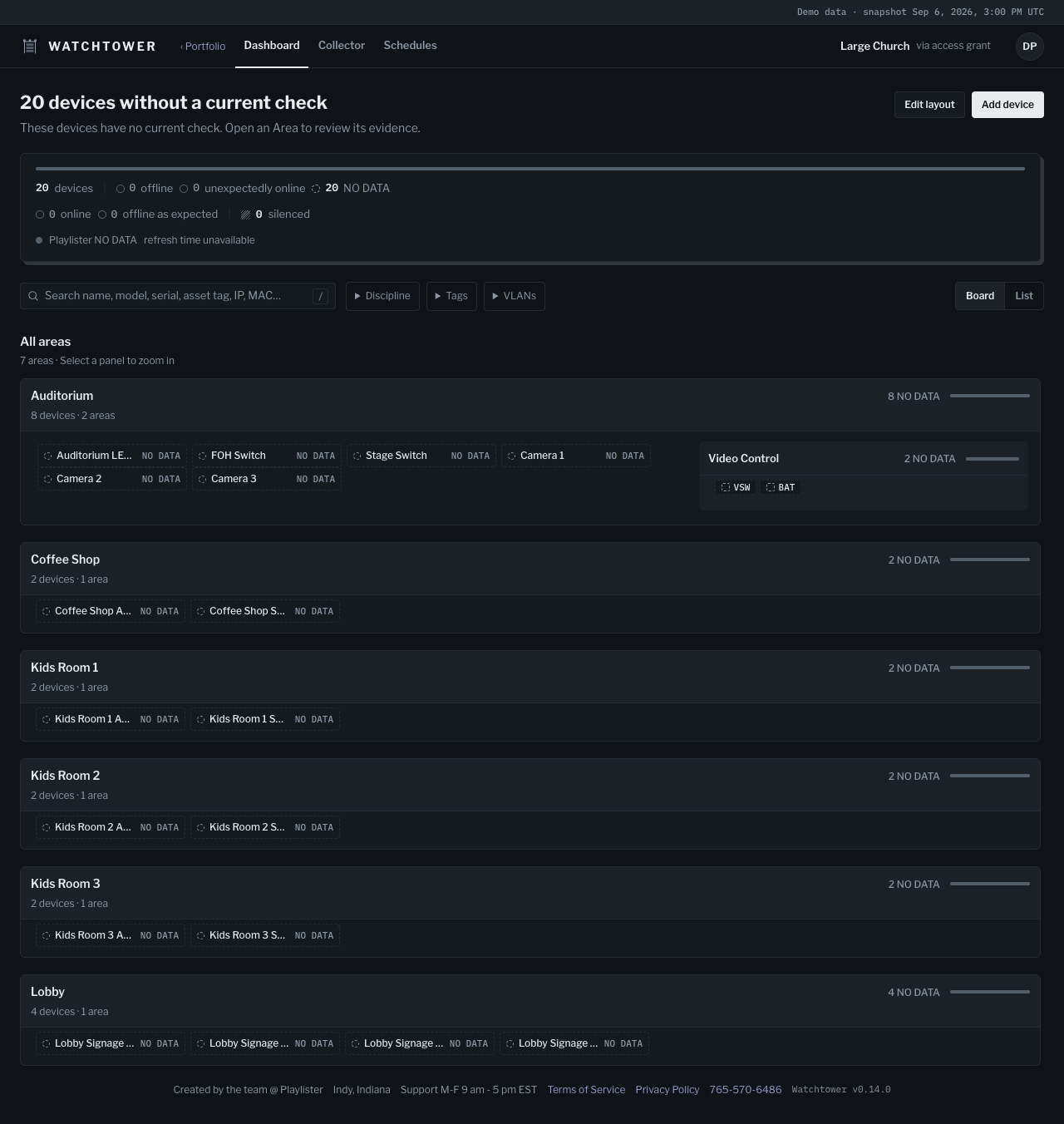
Watchtower gives your team a shared view of the devices and useful links across your spaces. Start with an organized inventory. Add a collector when you’re ready to see current reachability. Open Help from your account menu in the app to return to these guides in a new tab.
Documentation
Section titled “Documentation”A useful dashboard starts with your inventory
Section titled “A useful dashboard starts with your inventory”Arrange devices into Areas that make sense to your team: Auditorium, Lobby, or Kids Wing. An Area can contain smaller Areas, so your dashboard reflects how your spaces fit together. Save a device’s web destination to make it easier to find next time.
You can organize and use your inventory without running a collector. A saved device or link does not, on its own, establish device health.
When something needs attention
Section titled “When something needs attention”Check what the status means before taking action. If current information is missing, start with the troubleshooting guide.
A few useful terms
Section titled “A few useful terms”- Organization: your team’s Watchtower workspace.
- Area: a campus, building, room, or other space within your Organization.
- Collector: the Watchtower app on a local Mac that checks whether devices respond.
See the changelog for a short overview of recent improvements.